canvas图像灰度处理
学好canvas,是一个强有力的技能,除了图片处理领域,也可以用于短视频产品的开发。
算法比较简单,我们一般颜色用rgba表示,大部分图片算法就是调整rgba的值。这里灰度算法就是 平均化rgb三个值,其实图像处理如此简单。
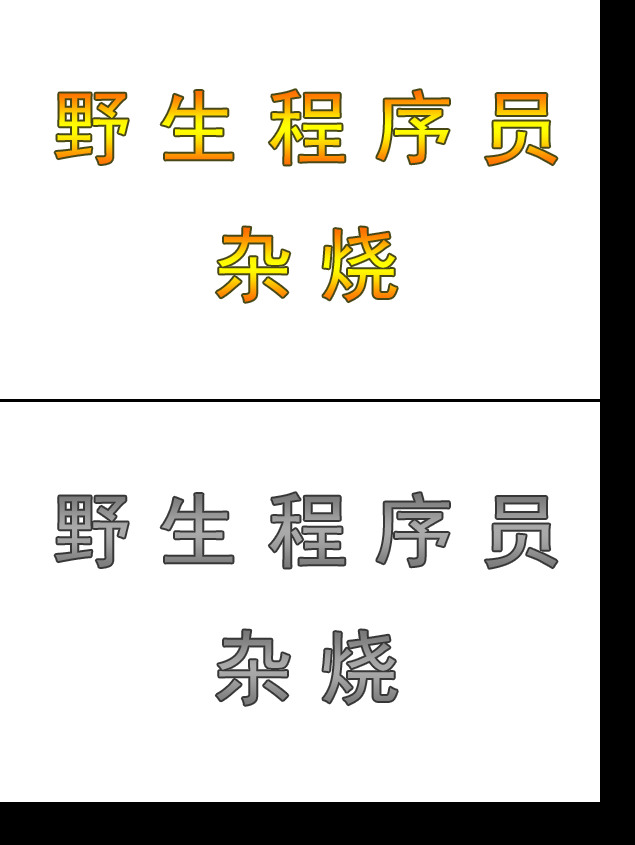
结合nodejs的canvas库可以做服务器端图片处理,也可以elctron做桌面端图片处理、视频处理软件。咱还是先看这个简单的灰度处理demo吧!
<!DOCTYPE html>
<html ng-app="myApp"  ng-controller="myhtml">
<head>
<meta charset="utf-8" />
<title ng-bind="title">canvas图像灰度处理(by野生程序员-杂烧)</title>
</head>
<body>

<canvas id="old"></canvas>
<canvas id="new"></canvas>


<style>
body,td,th,div,button,input,span {
	font-family: 微软雅黑;
}

body,td,th {
	font-size: 12px;
	color: #000;
}
body {
	margin-left: 0px;
	margin-top: 0px;
	margin-right: 0px;
	margin-bottom: 0px;
	background: #000;
}

body,td,th,div,button,input,span,a,img {
	-webkit-tap-highlight-color:rgba(255,0,0,0);
}
</style>
<script>
	//定义全局变量

	var canvas_old=null;
	var canvas_new=null;

	var ctx_old=null;
	var ctx_new=null;

	var config={
		width:0,
		height:0,
		img:'test.png',
	}

	//新老2个canvas 初始化
	function load_canvas()
	{
		console.log('load_canvas');
		canvas_old = document.querySelector('#old');
		canvas_new = document.querySelector('#new');


		canvas_old.width = config.width;
		canvas_old.height =  config.height;
		canvas_new.width = config.width;
		canvas_new.height =  config.height;


		ctx_old = canvas_old.getContext('2d');
		ctx_new = canvas_new.getContext('2d');


	}

	//加载图片
	function load_img(back)
	{

		let img = new Image();
		img.src = config.img;
		img.onload = function () {

			config.width=img.width;
			config.height=img.height;
			load_canvas();
			ctx_old.fillStyle = ctx_old.createPattern(img, 'repeat');
			ctx_old.fillRect(0, 0, config.width, config.height);
			back();
		}
	}

	//转换为灰度图片
	function draw()
	{
		ctx_new.clearRect(0, 0, config.width, config.height);

		var this_height=config.height;
		var this_width=config.width;

		var imgData_old = ctx_old.getImageData(0,0,this_width, this_height);
		var imgData_new = ctx_new.getImageData(0,0,this_width, this_height);


		for (var h = 0; h < this_height; h++)
		{
		    for(var w = 0; w < this_width; w++)
			{
				var position = (this_width * h + w) * 4;
				var r = imgData_old.data[position], g = imgData_old.data[position + 1], b = imgData_old.data[position + 2],a=imgData_old.data[position + 3];

				var gray = Math.floor(( r + g + b)/3);//平均值灰度算法

				imgData_new.data[position]=gray;
				imgData_new.data[position+1]=gray;
				imgData_new.data[position+2]=gray;
				imgData_new.data[position+3]=a;

		    }
		}

		ctx_new.putImageData(imgData_new,0,0);

	}


	load_img(()=>{
		draw();
	})


</script>
</body>
</html>